UI components
Copy-paste PDF components and blocks, installed with the shadcn CLI.
The registry works like shadcn/ui, for PDFs. Components are not a dependency: the shadcn CLI copies their source into your project, and you own and edit the code.
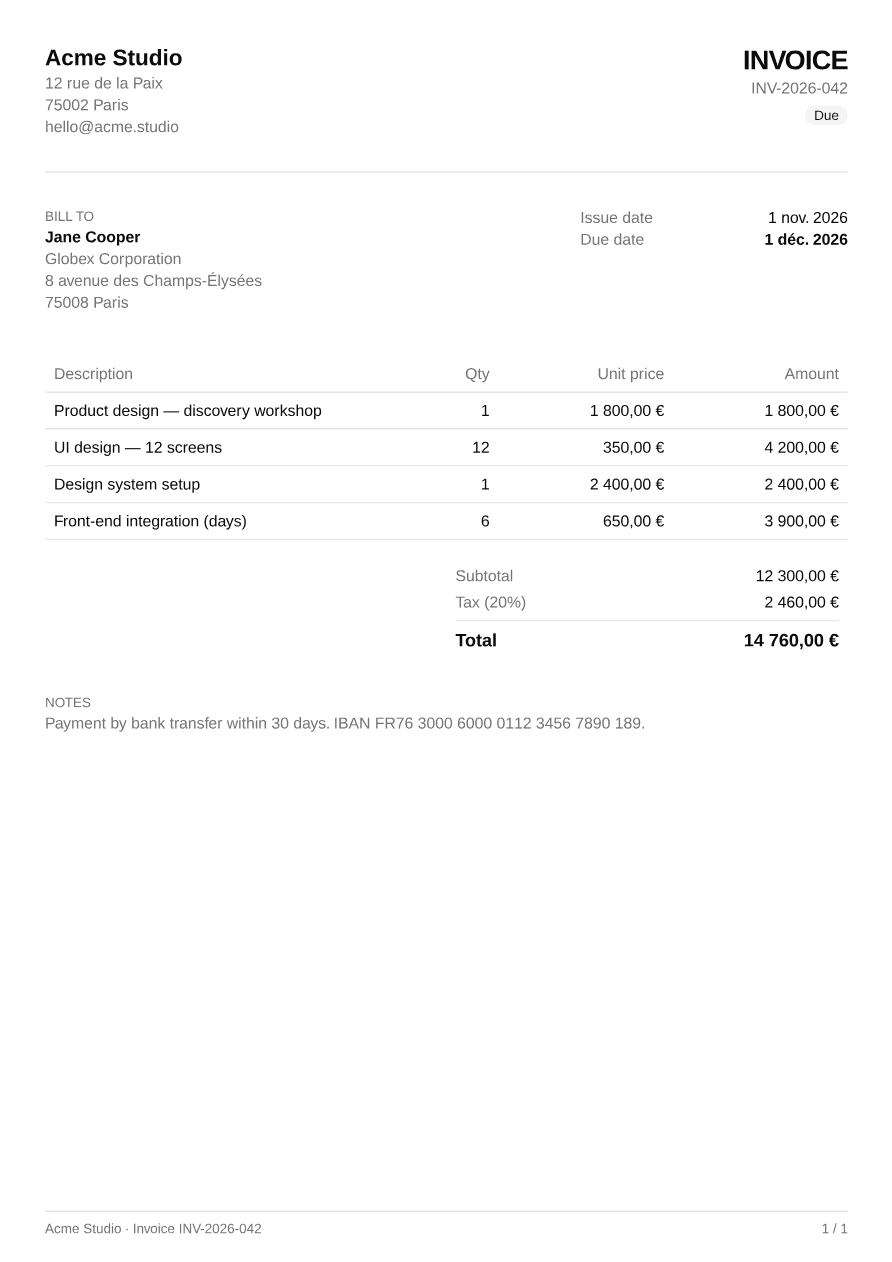
@ui-registries/pdf(npm) provides the primitives:Block,Text,Page, the Tailwind engine, fonts.- The registry provides components (
Table,Card,Badge…) and complete blocks (Invoice) built on top of them.
Installation
Your project needs a components.json (created by npx shadcn init). Then add any item by URL:
npx shadcn add https://ui-registry.com/r/pdf/invoice.jsonThe CLI installs @ui-registries/pdf and the components the item depends on.
With a namespace
Register the namespace once in your components.json:
{ "registries": { "@pdf": "https://ui-registry.com/r/pdf/{name}.json" }}Then add items by name:
npx shadcn add @pdf/invoice @pdf/tableWhere files go
PDF components are installed in components/pdf/, not components/ui/, so they never overwrite the HTML shadcn components with the same name (card, table, badge…).
components/├── ui/ ← your HTML shadcn components│ └── card.tsx└── pdf/ ← PDF components from this registry ├── card.tsx ├── table.tsx └── invoice.tsxTheming
Components only use semantic colors (bg-primary, text-muted-foreground, border-border…). Pass your theme to <Document theme> — or to the theme prop of a block — to match your brand. See Theming.
Available components
| Component | Description |
|---|---|
| Heading | Document headings (levels 1–4) |
| Separator | Horizontal or vertical divider |
| Badge | Status label with variants |
| Card | Bordered container with header and footer |
| Table | Table with a repeating header |
| Page Footer | Footer on every page, with page numbers |
| Alert | Callout with title, description and icon |
| Item | List row with media, content and actions |
| Avatar | Round image with fallback, and groups |
| Typeset | Long-form content rhythm driven by three tokens |
| Typeset Markdown | Markdown rendered with the Typeset components |